Weight Watchers scales offer convenient tracking‚ supporting both simple weight readings and advanced analyses like BMI and body fat percentage.
These scales can store data for up to six or ten individual users‚ streamlining personalized health monitoring and progress assessment.
What are Weight Watchers Scales?
Weight Watchers scales are specialized bathroom scales designed to integrate with the Weight Watchers program‚ offering more than just a basic weight measurement. They function by measuring the sum of your total body weight‚ encompassing everything from muscle mass to body fat.
Modern Weight Watchers scales often incorporate bioelectrical impedance analysis (BIA) technology. This allows them to estimate body fat percentage‚ body water percentage‚ and calculate Body Mass Index (BMI).
These scales are typically programmable for multiple users – commonly up to 6 or 10 – enabling each household member to track their individual progress. The scales display weight and other metrics digitally‚ and some models automatically transmit data to a Weight Watchers app or online account for seamless tracking.
Benefits of Using a Weight Watchers Scale
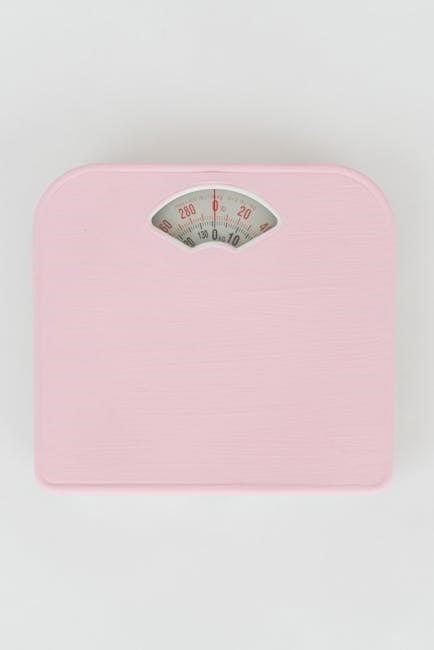
Weight Watchers scales provide a comprehensive view of your health beyond just weight‚ offering insights into body composition with metrics like BMI and body fat percentage. This detailed data empowers more informed decisions about diet and exercise.
The multi-user functionality simplifies tracking for families‚ eliminating the need for separate devices. Automatic data syncing with the Weight Watchers app streamlines progress monitoring and provides valuable trend analysis.
Using a Weight Watchers scale encourages accountability and motivation. The convenience of quick weight and metric readings supports consistent tracking‚ fostering healthier habits. Furthermore‚ understanding your body composition can help refine your weight loss or wellness goals.
Setting Up Your Weight Watchers Scale
Initial setup involves battery installation and user profile programming‚ requiring input of personal details like age‚ gender‚ height‚ and fitness level for accurate readings.
Initial Setup and Battery Installation
Before first use‚ carefully unpack your Weight Watchers scale and inspect it for any damage. Locate the battery compartment‚ typically on the back or underside of the scale. Open the compartment cover – you may need a small screwdriver.
Insert the required batteries (usually AAA or AA‚ check your model’s specifications) ensuring correct polarity as indicated inside the compartment (+ and ⎼ symbols). A secure fit is crucial for accurate performance.
Close the battery compartment cover firmly. To power on‚ briefly press the center of the scale platform. The display should illuminate‚ potentially showing a welcome message or prompting you to begin user profile setup. If the display doesn’t activate‚ double-check the battery installation.
User Profile Programming
To personalize your scale‚ programming user profiles is essential for accurate data tracking. Begin by pressing the “USER” button repeatedly to select a user number (typically 1-6 or 1-10‚ depending on the model). The scale will then prompt you to enter personal details.
This includes age‚ gender‚ and height – use the buttons to adjust the values until they match your information. Next‚ you’ll select your fitness level‚ often categorized as sedentary‚ lightly active‚ moderately active‚ or very active.
This setting influences BMI calculations. Repeat this process for each user who will be using the scale. Remember to keep the instruction manual handy during setup for easy reference.
Entering Personal Data (Age‚ Gender‚ Height)
After selecting a user number‚ the scale will sequentially request age‚ gender‚ and height. Use the up and down arrow buttons (or similar controls‚ depending on your model) to adjust each value. Age is typically entered in years‚ while height can be set in feet and inches or centimeters.
Gender selection usually involves toggling between male and female options. Ensure accuracy during this step‚ as these details directly impact calculations like Body Mass Index (BMI).
Take your time and double-check each entry before proceeding. The scale will often display the current value and move to the next parameter after a brief pause or button press.
Fitness Level Selection
Following the input of age‚ gender‚ and height‚ the scale prompts for a fitness level assessment. This typically involves choosing from pre-defined categories like sedentary‚ lightly active‚ moderately active‚ or very active.
The fitness level setting influences the body fat percentage calculation‚ as it accounts for muscle mass. Select the option that most accurately reflects your typical weekly exercise routine.
If unsure‚ it’s generally advisable to choose a lower activity level to avoid underestimating body fat. The scale’s manual should provide detailed descriptions for each fitness category to aid in accurate selection.
Number of User Profiles Supported (Up to 6/10 Users)
Weight Watchers scales are designed to accommodate multiple users within a household‚ offering personalized tracking for each individual. Most models support either six or ten distinct user profiles‚ allowing each person to store their personal data and track progress independently.
This feature eliminates the need for multiple scales and simplifies data management. When setting up the scale‚ you’ll be prompted to enter user numbers sequentially. Each user will then input their age‚ gender‚ height‚ and fitness level.
The scale stores this information‚ enabling accurate measurements and personalized calculations for each profile.
Using the Scale for Basic Weight Measurement
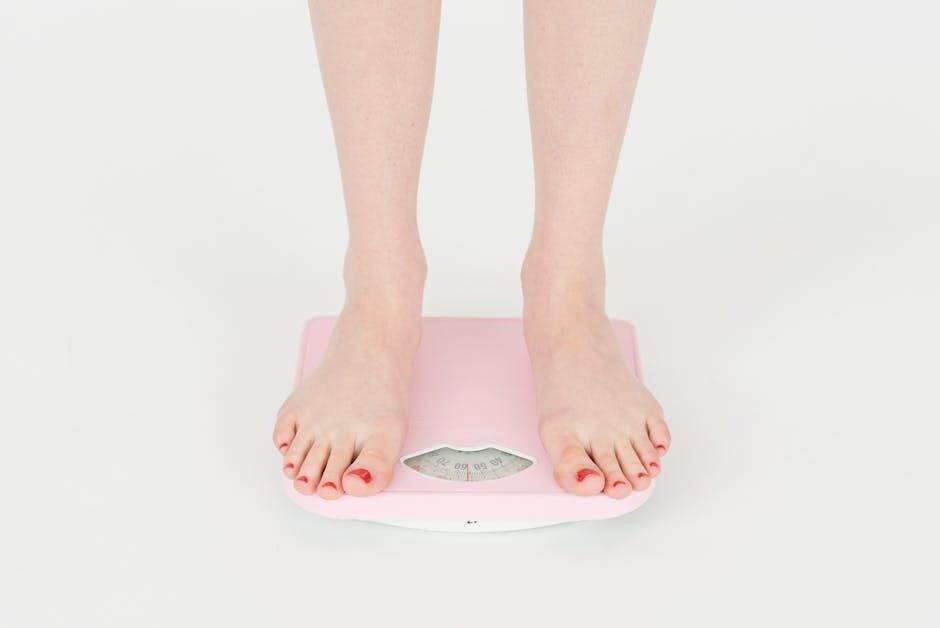
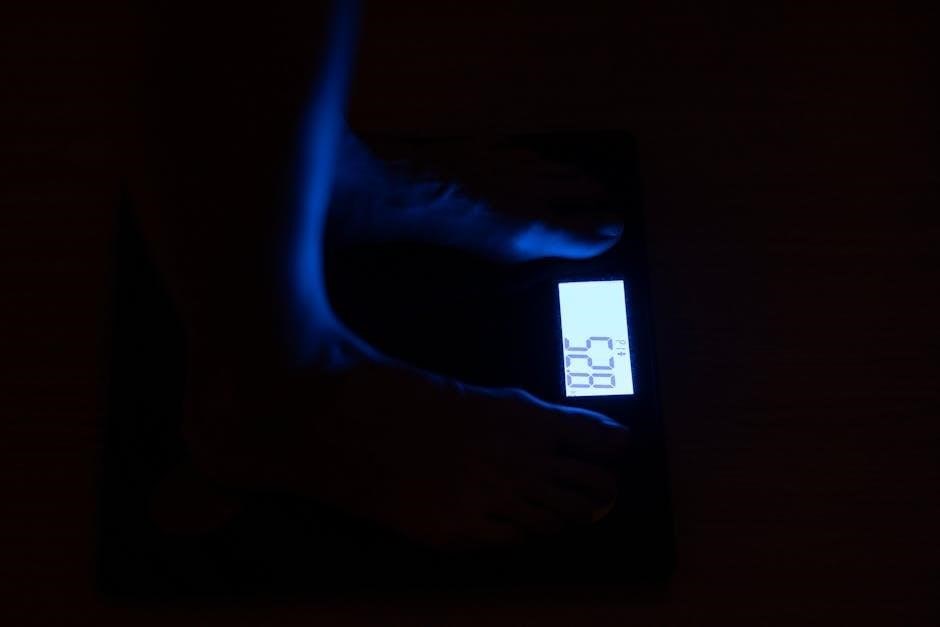
To weigh yourself‚ briefly press the scale’s center to activate it; wait for “0:0” to appear‚ then step on. Your weight will display before it shuts off.
Turning the Scale On/Off
Activating your Weight Watchers scale is remarkably straightforward. To turn the scale on‚ simply tap it briefly with your toe or finger in the center of the platform. The display will illuminate‚ initially showing “0:0” to indicate it’s ready for measurement. This brief touch initiates the internal circuitry‚ preparing the scale to accurately register your weight.
Turning the scale off is equally simple and automatic. After displaying your weight‚ the scale will automatically power down after a few seconds of inactivity. This energy-saving feature preserves battery life‚ ensuring the scale is ready when you need it. There is generally no dedicated “off” button; the auto-off function handles this seamlessly. However‚ if the scale remains on unexpectedly‚ replacing the batteries is recommended.
Weight-Only Mode Operation
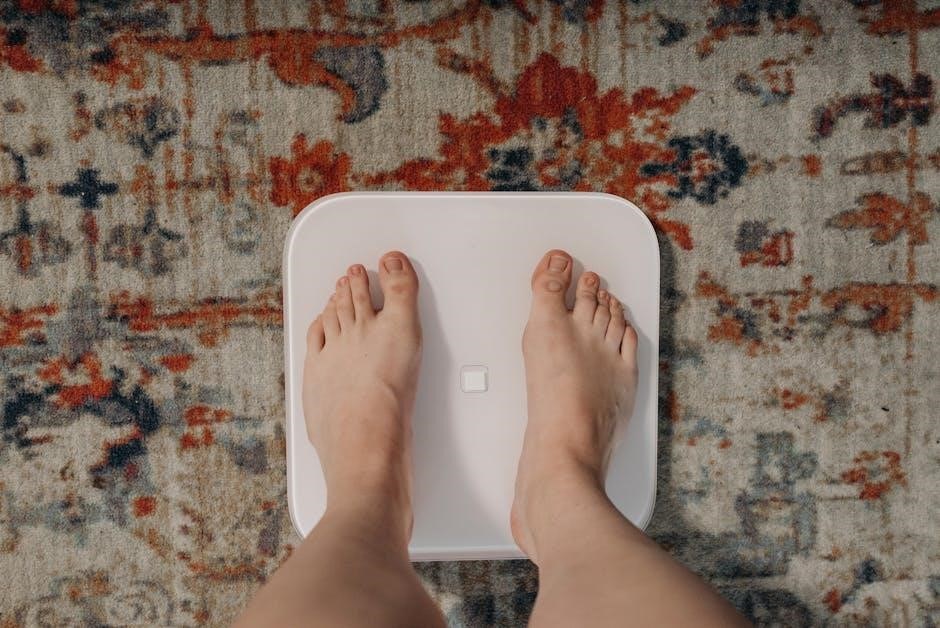
For a quick and simple weight measurement‚ utilize the weight-only mode. After briefly pressing the scale’s center to power it on and waiting for “0:0” to appear‚ simply step onto the platform. Ensure your feet are positioned evenly across the surface for the most accurate reading. The scale will then display your weight‚ typically in pounds or kilograms‚ depending on your preferred setting.
The scale will automatically turn off shortly after you step off‚ conserving battery power. This mode bypasses the need for user profile selection or advanced measurements‚ making it ideal for a fast check-in. It’s perfect for those who only require basic weight tracking and don’t need the additional data provided by the BMI or body fat analysis features.
Advanced Features and Measurements
Beyond basic weight‚ these scales calculate body fat percentage‚ body water levels‚ and Body Mass Index (BMI)‚ offering a comprehensive view of your body composition.
Measuring Body Fat Percentage
To measure body fat‚ ensure the scale is on a hard‚ flat surface and you’ve selected your user profile. After entering your details – age‚ gender‚ height‚ and fitness level – the scale utilizes bioelectrical impedance analysis (BIA) to estimate your body fat percentage.
Stand on the scale barefoot‚ ensuring your feet are dry. The scale sends a harmless electrical signal through your body‚ measuring resistance. Fat tissue resists the signal more than muscle tissue.
The displayed percentage represents the proportion of your body weight that is fat. Remember that BIA can be affected by hydration levels‚ so consistent measurement times are recommended for reliable results. It’s a useful metric‚ but not always perfectly precise.
Calculating Body Water Percentage
Similar to body fat measurement‚ your Weight Watchers scale calculates body water percentage using bioelectrical impedance analysis (BIA). This method relies on the principle that water conducts electricity more easily than fat. After selecting your user profile‚ the scale sends a safe‚ low-level electrical current through your body.
By measuring the resistance to this current‚ the scale estimates the total body water content‚ expressed as a percentage of your overall weight. Stand barefoot on the scale with dry feet for accurate readings.
Hydration levels significantly impact results‚ so consistent testing conditions are crucial. This metric provides insight into your body’s fluid balance‚ which is vital for overall health and metabolic function.
Body Mass Index (BMI) Calculation
Your Weight Watchers scale automatically calculates your Body Mass Index (BMI) after you’ve entered your personal data – height‚ age‚ gender‚ and fitness level – and selected your user profile. BMI is a widely used indicator of body fat based on your weight and height.
The scale uses the standard formula: weight (kilograms) divided by height (meters squared). The resulting number categorizes you into weight statuses like underweight‚ normal weight‚ overweight‚ or obese.
While BMI is a useful screening tool‚ it doesn’t directly measure body fat and may not be accurate for athletes or individuals with significant muscle mass. It’s best used as a general guide alongside other health metrics.
Troubleshooting Common Issues
If your scale isn’t functioning correctly‚ check the batteries‚ ensure proper setup‚ and verify user profile data for accurate readings and error resolution.
Scale Not Turning On
If the scale fails to power on‚ the first step is to verify the battery installation. Ensure the batteries are correctly positioned‚ observing the proper polarity (+ and -) as indicated within the battery compartment. It’s recommended to replace the batteries with a fresh set‚ even if the existing ones appear to have some charge remaining‚ as low battery power can cause intermittent or complete failure to activate the display.
Next‚ confirm that the battery compartment cover is securely fastened. A loose cover can interrupt the electrical connection. If replacing the batteries and securing the cover don’t resolve the issue‚ gently press the power button or step onto the scale to see if that triggers a response. If still unresponsive‚ consult the full instruction manual for specific troubleshooting steps related to your model.
Inconsistent Weight Readings
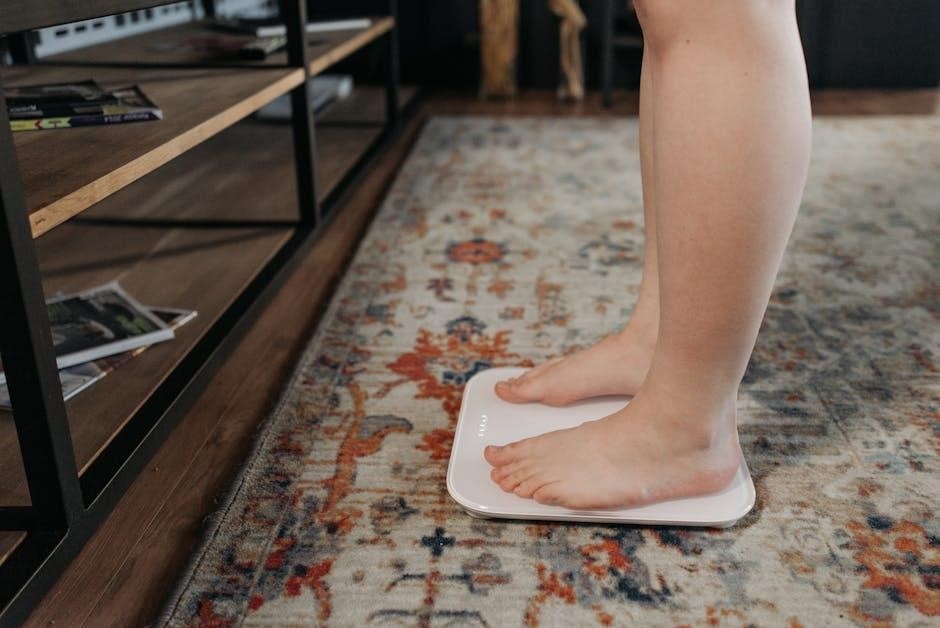
Experiencing fluctuating or inconsistent weight readings is a common concern. Ensure the scale is placed on a hard‚ level surface; carpets or uneven flooring can significantly impact accuracy. Avoid placing the scale near walls or other objects that might interfere with its operation. Always step onto the scale with both feet‚ distributing your weight evenly.
It’s crucial to weigh yourself at the same time each day‚ preferably in the morning before eating or drinking‚ for consistent results. Minor variations are normal due to daily fluctuations in body water and other factors. If inconsistencies persist‚ try recalibrating the scale according to the instructions in the manual. If problems continue‚ replace the batteries and repeat the setup process.
Error Messages and Their Meanings
Weight Watchers scales utilize error messages to indicate potential issues. A flashing “000” often signals an initial calibration phase or a problem with the weight sensors; ensure the scale is on a level surface and restart it. “Err” or similar codes may indicate overload – exceeding the scale’s weight capacity. Check the scale’s specifications for the maximum weight limit.
If the display shows “Lo” or a battery symbol‚ it signifies low battery power; replace the batteries immediately. Some models display “- ─ -” indicating a system error‚ requiring a reset by removing and reinserting the batteries. Consult your specific model’s manual for a comprehensive list of error codes and their corresponding solutions‚ as interpretations can vary.
Maintaining Your Weight Watchers Scale
Regular cleaning with a damp cloth ensures accuracy and longevity. Store the scale in a dry place‚ avoiding extreme temperatures and direct sunlight for optimal performance.
Cleaning and Care Instructions
To maintain the accuracy and extend the lifespan of your Weight Watchers scale‚ regular cleaning is essential. Always ensure the scale is turned off before cleaning. Use a slightly damp cloth – avoid excessive water or any cleaning solutions‚ as these can damage the sensors.
Gently wipe the surface of the scale‚ including the platform where you stand‚ to remove any dust or debris. For stubborn marks‚ a mild soap solution can be used‚ but ensure it’s thoroughly wiped away with a clean‚ damp cloth afterward.
Never immerse the scale in water or allow liquids to seep into the internal components. Avoid abrasive cleaners or scouring pads‚ as they can scratch the surface. Proper cleaning will help ensure consistent and reliable readings for years to come.
Storage Recommendations
When not in use‚ store your Weight Watchers scale in a dry‚ cool place‚ away from direct sunlight and extreme temperatures. Avoid storing it in humid environments like bathrooms‚ as moisture can damage the internal components and affect accuracy.
Protect the scale from impacts and heavy objects to prevent damage to the sensors or display. If possible‚ store it in its original packaging or a protective case.
Remove the batteries if the scale will not be used for an extended period to prevent corrosion. Proper storage will ensure your scale remains in optimal condition‚ providing reliable measurements whenever you need them. Handle with care to preserve its functionality.